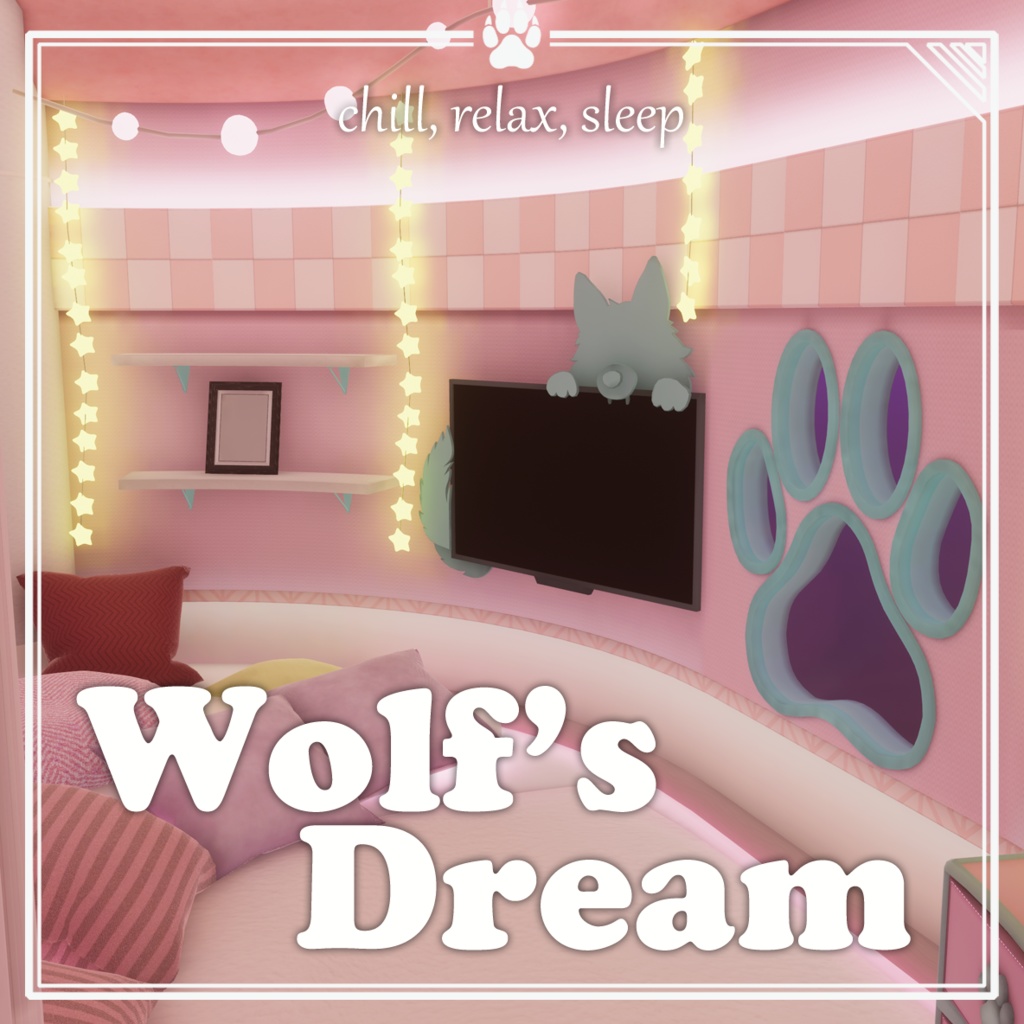
【VRChat想定ワールド】Wolf's Dream
- ダウンロード商品¥ 1,500
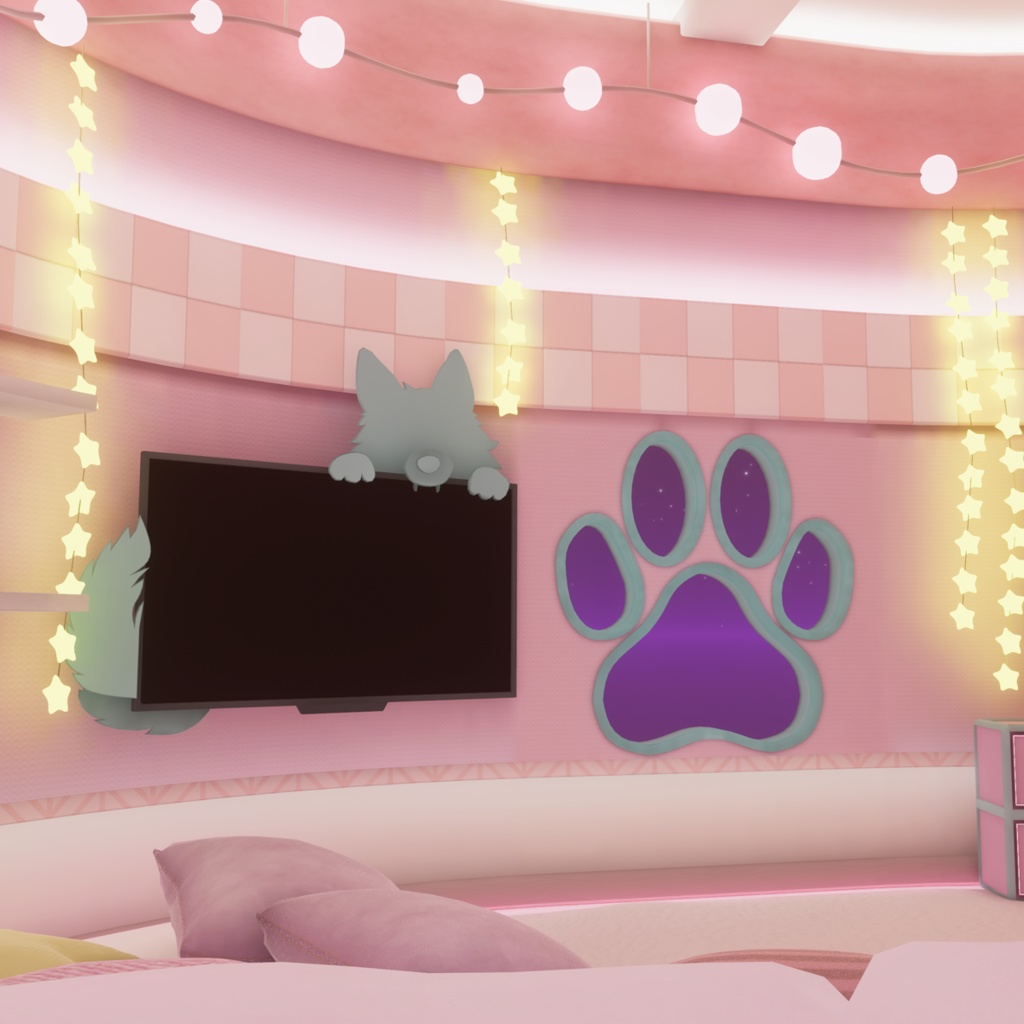
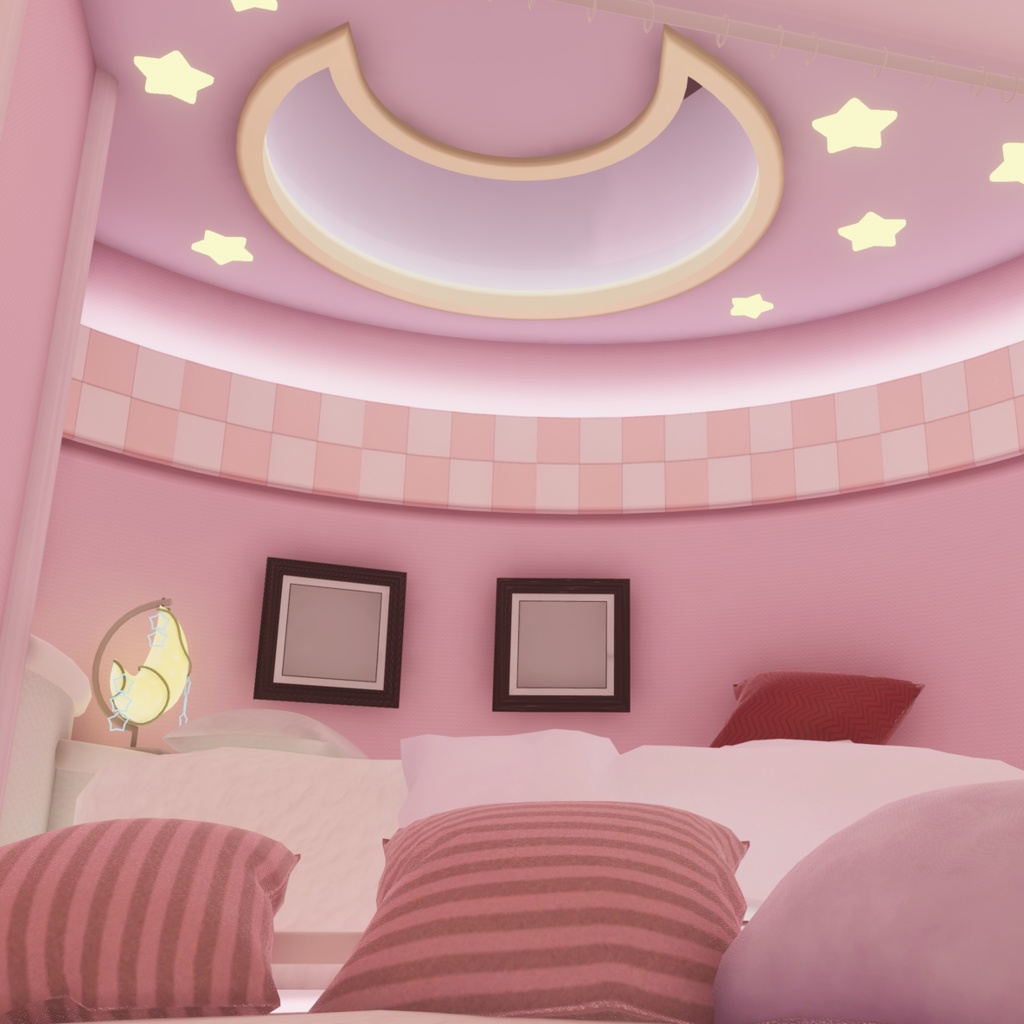
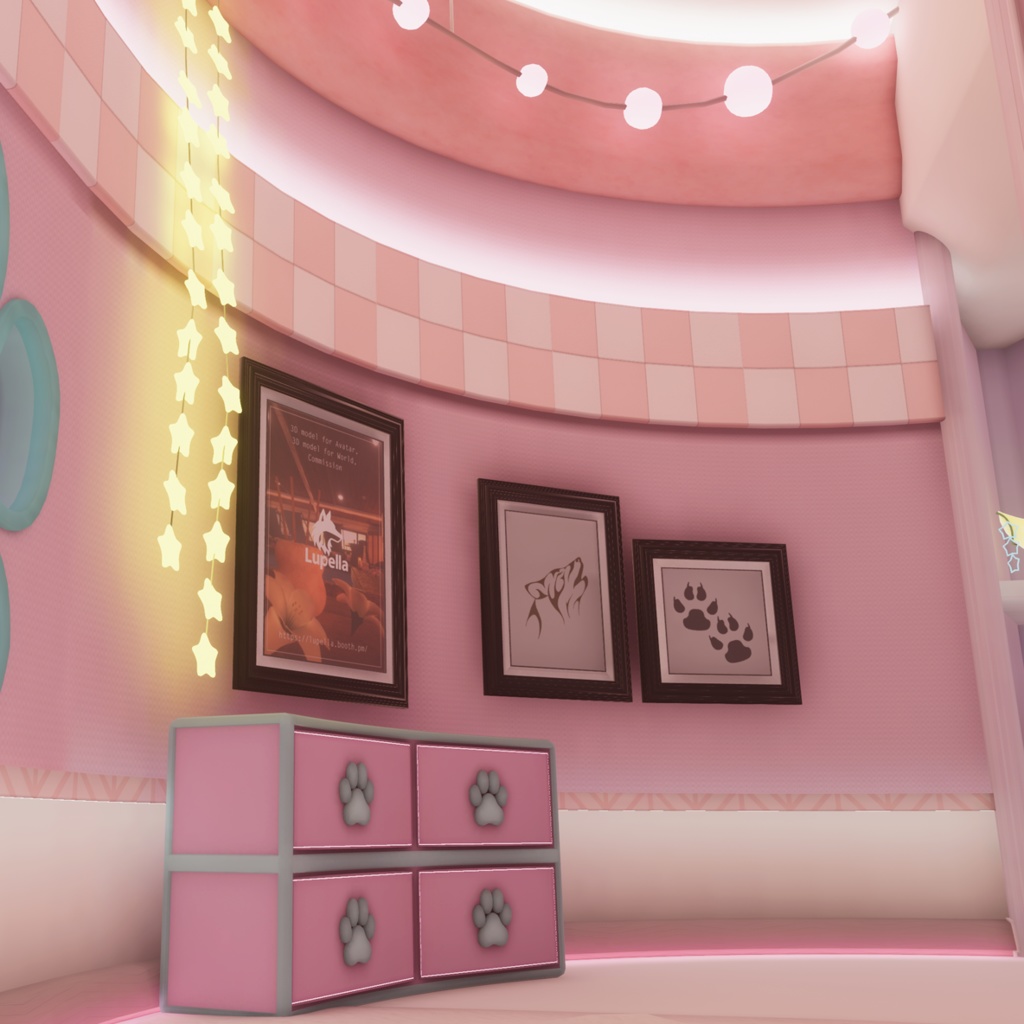
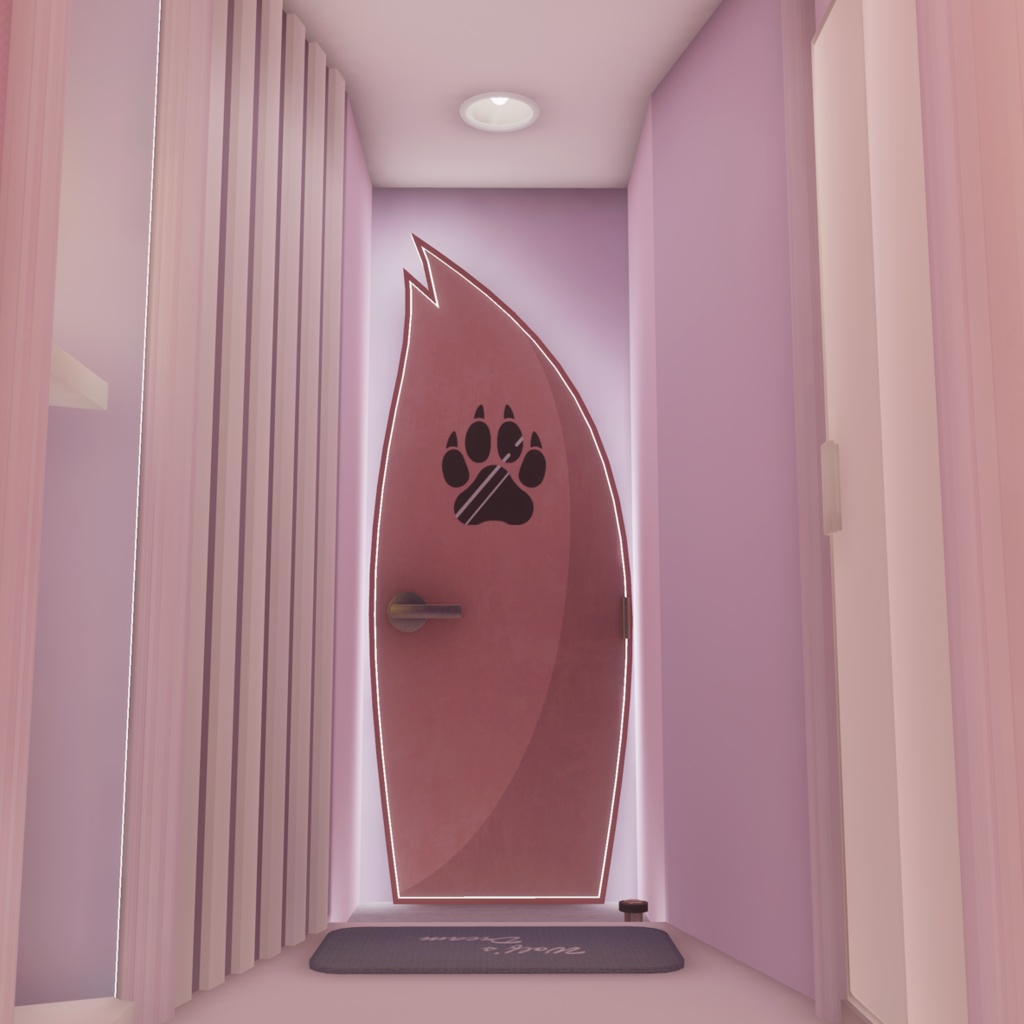
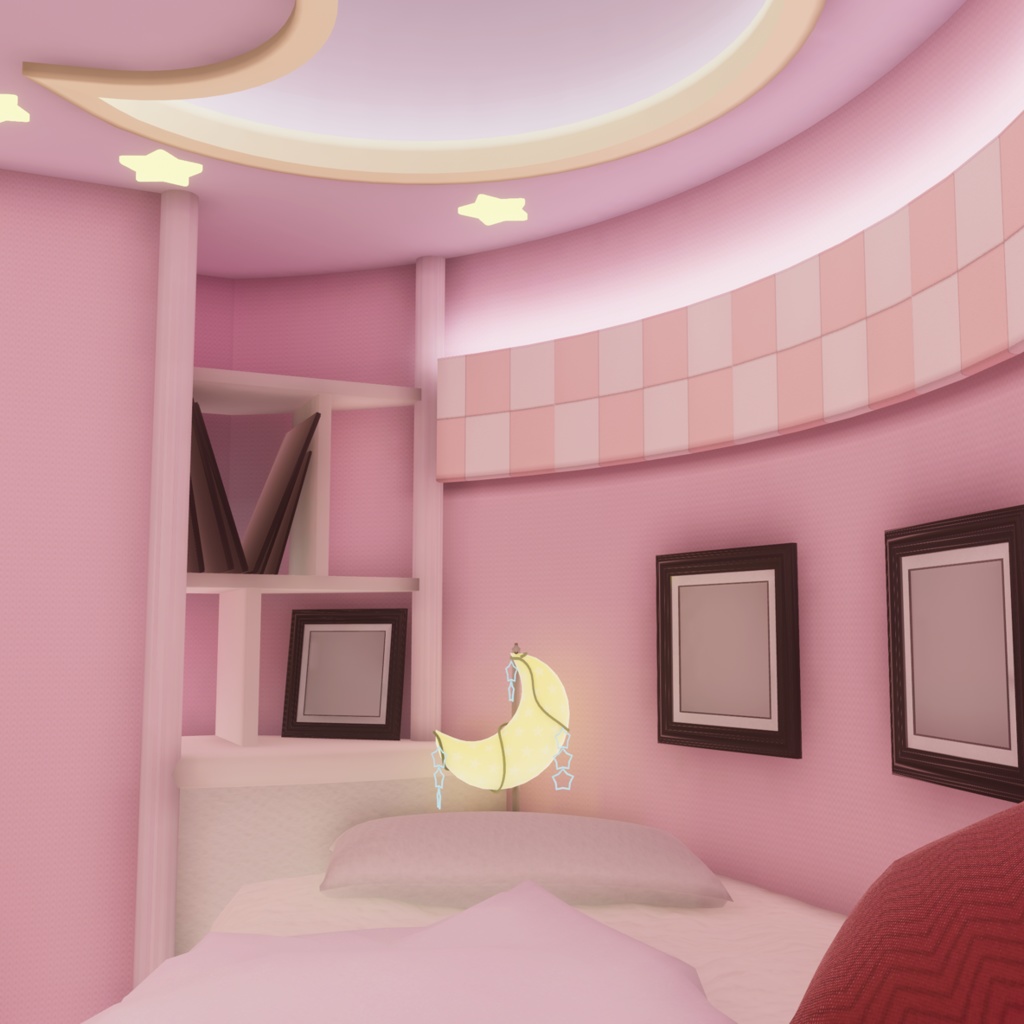
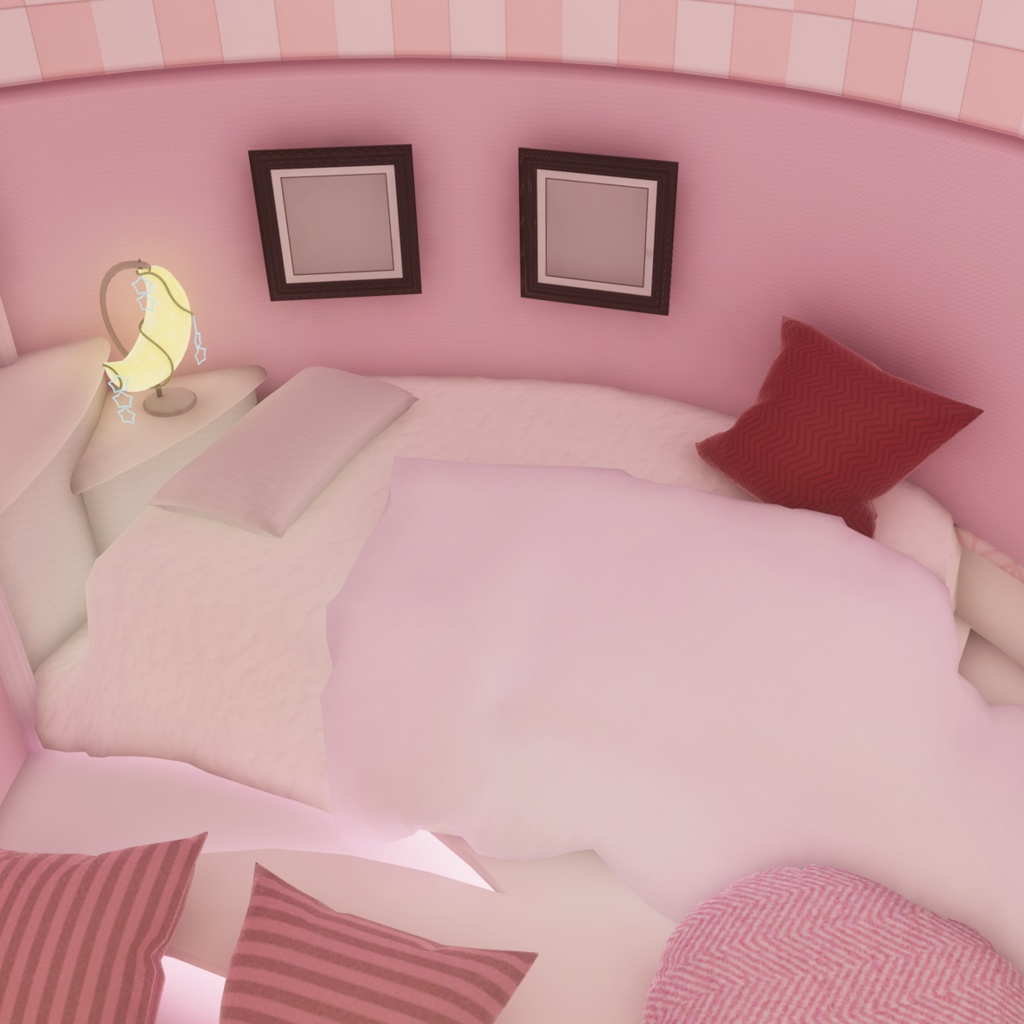
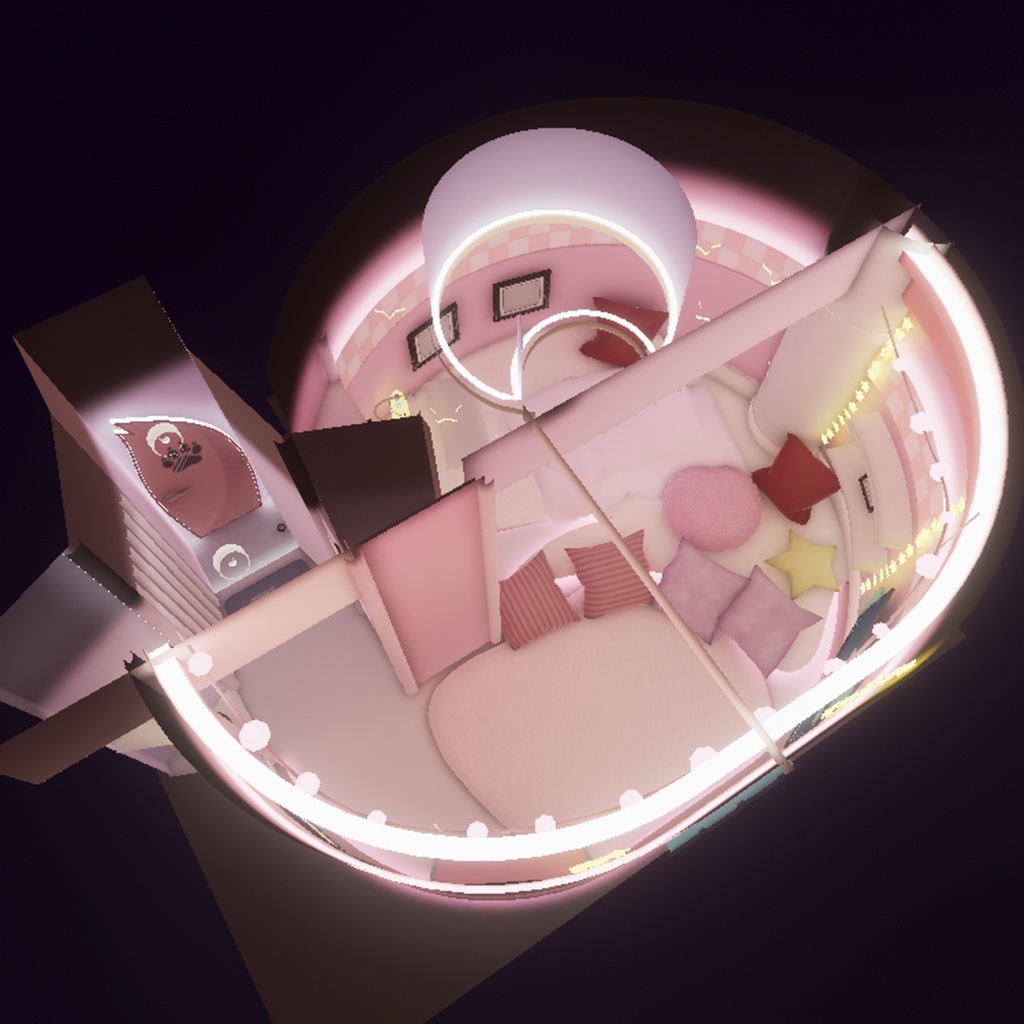
VRChatでの利用を想定したワールドアセットです。 World assets designed for use in VRChat. ■セットアップ済・同梱済リスト - ライトベイク Light Bake(Light Map) - ライトボリューム Light Volume - ポストプロセス Post Processing - Reflection Probe - Light Probe - Skybox(UniStar) https://booth.pm/ja/items/4633595 - カーテンOn/Offギミック(ベッド横の柱にインタラクトで使用可能) - フォトフレーム(額縁)用psdファイル ■ワールド仕様 総ポリゴン数 poly:△41,049 アップロードサイズ upload size:約12MB 対応プラットフォーム platform:PC・Quest(Android) ■サンプルワールド sample world https://vrchat.com/home/world/wrld_44167f00-1325-47ec-ab48-9d15503e1951/info ※サンプルワールド内一部アセットは商品に同梱されていませんのでご注意下さい。*Please note that some assets in the sample world are not included with the product. ※商品に同梱されていないサンプルワールド用アセットリストは商品ページ下部に一覧で明記しています。*The list of assets for the sample world that are not included with the product is provided at the bottom of the product page. ■動作確認状況 - Unity : 2022.3.22f1 - VRChat SDK - Worlds : 3.10.2 - lilToon : 2.3.2 - VRC Light Volumes : 2.1.3 ■利用規約 License 必ず下記利用規約に同意の上、購入してください。 Please ensure you agree to the following Terms of Use before making a purchase. ※利用規約はVN3ライセンスを元に作成しています。 Licenses are based on the VN3 License. Ja : https://drive.google.com/file/d/1WtB2Sd-ON77_leY3zH7mm2POI0smcDtf/view?usp=drive_link EN : https://drive.google.com/file/d/1P-TmMKnxBxJROwGPDNfAKP0H5bYIeaVr/view?usp=drive_link KO : https://drive.google.com/file/d/10vquBhm7iJtqTkX1yzg2RRTcUE5iTLij/view?usp=drive_link ■導入方法・参考 # Project作成・追加必須パッケージ - VCCにて『Unity 2022 World Project』テンプレートにてProjectを作成 - Manage Packagesにて「lilToon」をインストール - Manage Packagesにて「VRC Light Volumes」をインストール https://github.com/REDSIM/VRCLightVolumes - 上記インストール後にProjectを開いて下さい。 # Project作成後、本商品のunitypackageを導入する前に、予め下記プロダクトをインポートしてください。 > VRCPlayersOnlyMirror(動作確認済:v0.1.4) https://github.com/acertainbluecat/VRCPlayersOnlyMirror > VizVid(動作確認済:v1.5.2) https://xtl.booth.pm/items/5056077 # アップロード方法 - 本商品unitypackageをImport後、Assets > WolfsDream > WolfsDream (Sceneファイル)を開く - VRChat SDKにてワールド名・サムネ等設定後、ワールドをアップロード ※初回Upload時は下記の操作をしてください。 [初回のみ] VRChat SDK (Builderタブ) Layers にて『Setup Layers for VRChat』を実行 [初回のみ] VRChat SDK (Builderタブ) Collision Matrix にて『Setup Collision Matrix』を実行
更新履歴
2026/04/09 Ver1.0 リリース
商品に付属しないサンプルワールド用アセット
- 入退室ログアセット https://booth.pm/ja/items/2683599 - 尻尾ペン(QVペン差し替えモデル) https://booth.pm/ja/items/7595423 - ぬいぐるみ(オオカミ) https://booth.pm/ja/items/7877469 - RBS SleepKit 2(ベッドギミック) https://raspberry-studio.booth.pm/items/6567872 - imagePad https://booth.pm/ja/items/4573315 - Asset List Maker https://booth.pm/ja/items/3775671